
The Japan eVisa website (evisa.mofa.go.jp), managed by MOFA, experiences periodic outages from maintenance or server overload. Use a free status-check tool to verify if the site is down for everyone. If the Japan eVisa site loads for others, clear browser cache, disable VPN extensions, and switch to Chrome. Beware of fraudulent visa websites – always use the official portal evisa.mofa.go.jp.
Is the Japan eVisa Site Down? Quick Diagnosis and Browser Fixes
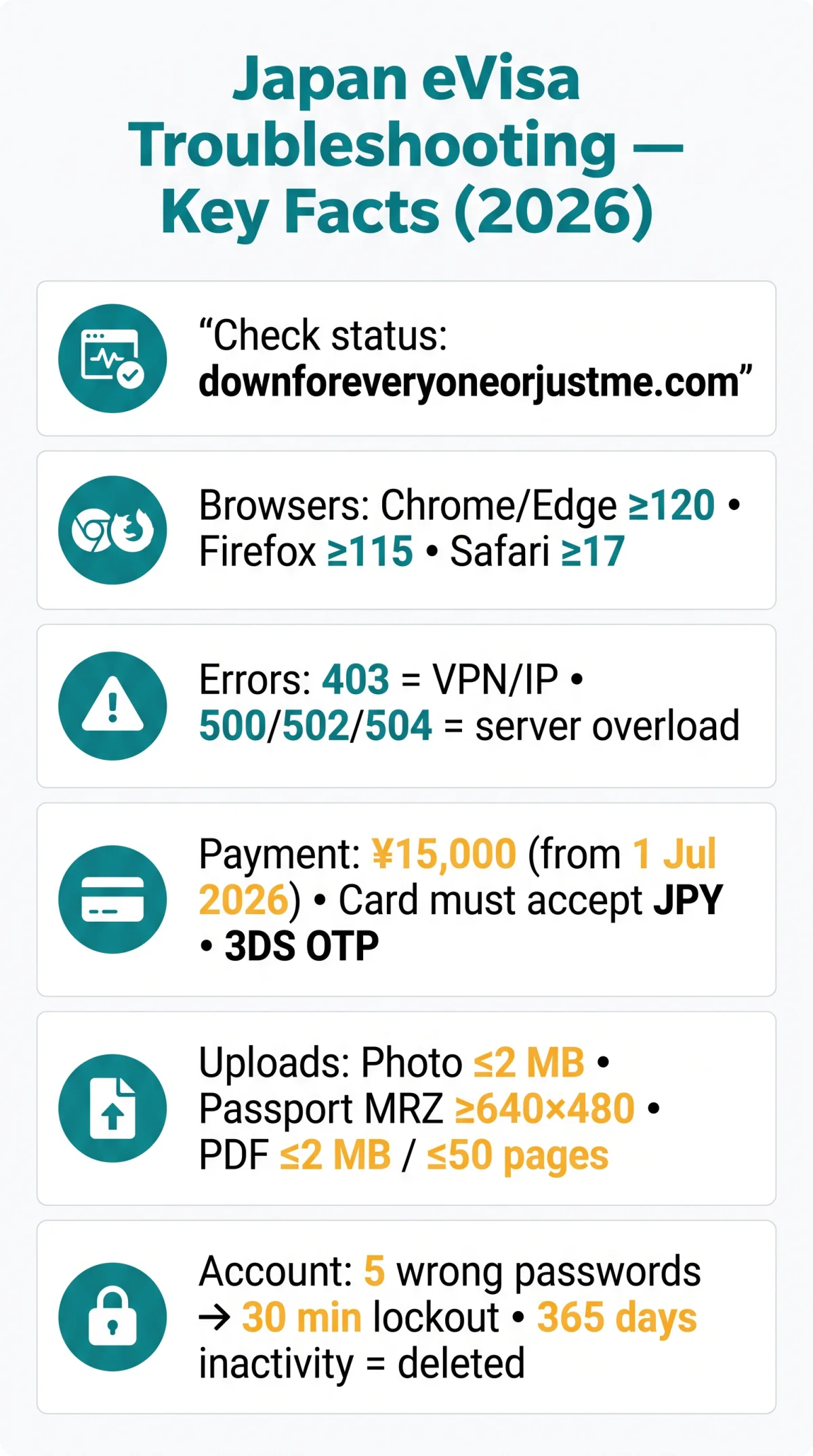
Use downforeveryoneorjustme.com to check if the Japan eVisa site (evisa.mofa.go.jp) is experiencing a MOFA-wide outage or a local device issue. The earliest application window is 3 months before travel; plan around scheduled maintenance.
Quick Diagnosis Steps
Verify site status
Check evisa.mofa.go.jp on downforeveryoneorjustme.com or isitdownrightnow.com to rule out a server-side outage.
Check maintenance notices
Review MOFA’s eVisa info page at mofa.go.jp (last published 15 May 2026). Convert JST (UTC+9) to UK BST (UTC+1) to plan your application window.
Clear browser & reload
Open an incognito window, clear browser cache and cookies, disable ad-blockers and VPN extensions, then reload the Japan eVisa application website.
Browser Compatibility and VPN Issues
The Japan eVisa portal requires Chrome ≥120 or Edge ≥120 for reliable operation; Firefox ≥115 and Safari ≥17 are also supported (source: mofa.go.jp, accessed 15 May 2026). JavaScript, cookies, and pop-ups must be enabled. Desktop browsers handle multi-step forms and document uploads more reliably than mobile; mobile Safari may fail on file uploads entirely.
Datacentre IP addresses from VPNs or proxies trigger access blocks or endless CAPTCHA loops on the Japan eVisa system. Disable any VPN before applying, or switch to a residential connection. Example: a UK applicant reported repeated HTTP 403 errors on the Japan eVisa site; after disabling their VPN and switching to a residential UK connection, the portal loaded immediately.
Common Error Codes and Payment Failures on the Japan eVisa Website
HTTP 403 on the Japan eVisa site means VPN or IP block; 500, 502, and 504 signal server overload – retry later.
HTTP Error Code Troubleshooting
| Error Code | What It Means | How to Fix |
|---|---|---|
| 403 | Blocked IP or active VPN connection | Disable VPN, switch to a residential UK connection, reload the page |
| 500 | Server overload | Wait 15-30 minutes, then retry |
| 502 | Bad gateway – maintenance in progress | Check the JST maintenance schedule, retry later |
| 504 | Upstream timeout – high traffic | Retry during off-peak hours (02:00-06:00 JST, i.e. 18:00-22:00 BST previous day) |
Payment and 3DS Authentication Failures
Payment: online credit card only; card holder must match applicant (exception: minors); single-entry fee ¥15,000 (effective 1 July 2026, up from ¥3,000 – confirmed via MOFA fee schedule). For a full breakdown of accepted payment methods and card types, see our dedicated guide. Standard processing time is 5 business days; visa validity is 3 months from issuance. Permitted stay durations are 15, 30, or 90 days depending on nationality.
| Payment Error | Likely Cause | What to Do |
|---|---|---|
| 3DS OTP timeout | Phone has no signal during authentication | Ensure mobile signal, request a new OTP |
| Currency mismatch | Card does not support JPY | Use a card that accepts JPY transactions |
| Bank blocks transaction | Bank rejecting foreign payment | Call your bank to pre-authorise the charge |
Document Upload Failures – Photo, Passport Scan, and PDF Errors
Japan eVisa photo uploads accept JPG, PNG, GIF, BMP, or HEIC under 2 MB; passport scans need visible MRZ at 640×480 minimum resolution. Make sure you have all items from our Japan eVisa document checklist before starting the upload process.
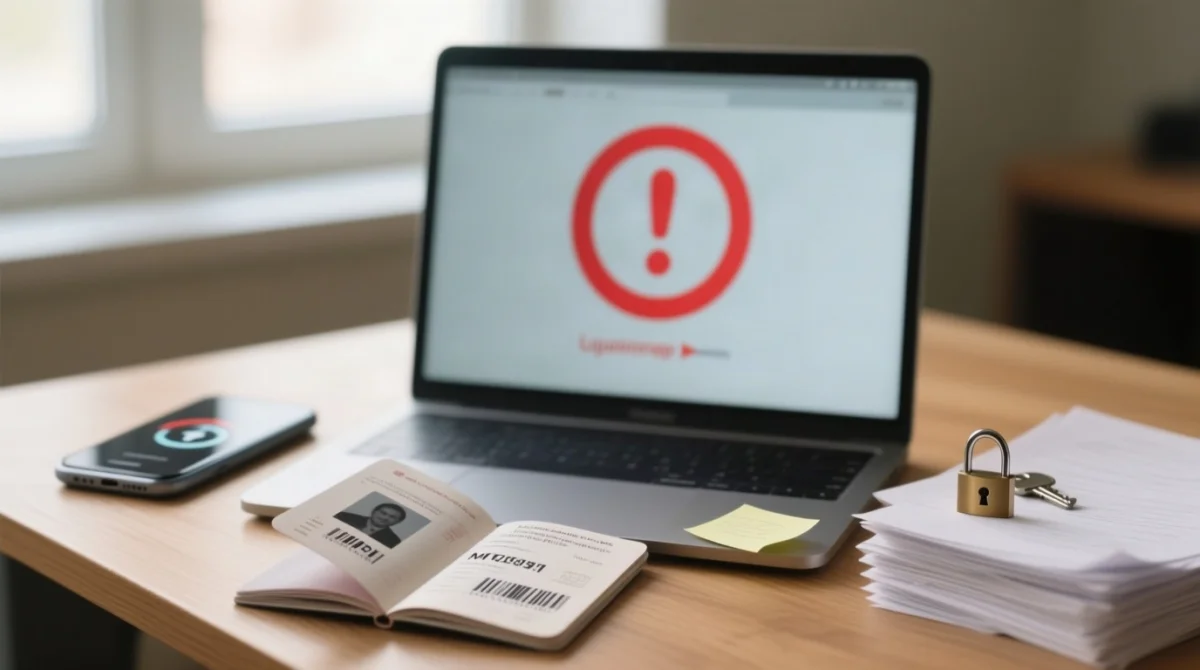
Photo and Passport Scan Requirements
The Japan eVisa portal rejects: photos from ID documents, with sunglasses, or older than 6 months. Plain background, face centred, front-facing. HEIC files may require conversion to JPG on older systems. MRZ must be fully visible; partial capture rejected. Ensure even lighting with no glare on the laminate.
| Document | Accepted Formats | Key Requirement |
|---|---|---|
| Photo | JPG, PNG, GIF, BMP, HEIC | Max 2 MB; plain background; taken within 6 months |
| Passport scan | PDF, TIF, JPG, PNG | MRZ fully visible; min 640×480; even lighting |
PDF Attachment Errors
PDF supporting documents must not exceed 50 pages or 2 MB per file. Password-protected or encrypted PDFs cause silent rejection without an error message. PDF/A format is incompatible, and corrupted embedded fonts trigger upload failures. Do not use your device during upload – interruption corrupts the file. A confirmed flight ticket is not required; a booking or itinerary suffices.
Account Lockouts, Post-Submission Issues, and Visa Issuance Notice
Five failed password attempts lock the Japan eVisa account for 30 minutes; the Visa Issuance Notice must be displayed on a device at the airport.
Login and Account Recovery
- Lockout: 5 wrong passwords trigger a 30-minute lockout on the Japan eVisa portal.
- Inactivity: 365 days of inactivity permanently terminates the account.
- OTP email not arriving: check spam/junk folder, whitelist domain
mofa.go.jp, allow up to 15 minutes during peak periods. - Post-submission: applications cannot be modified – withdraw only if status is ‘Temporarily received’.
- Rejection: a 6-month reapplication ban applies; reasons for refusal are not disclosed.
Contact the Foreign Residents Support Center (FRESC):
Yotsuya Tower 13F, 1-6-1 Yotsuya, Shinjuku-ku, Tokyo, 160-0004, JapanPhone: +81-3-5369-6577 (Navi-Dial: 0570-011000), Mon-Fri 09:00-17:00 JST. Email: [email protected] (include nationality and place of residence).
Visa Issuance Notice at Airport
- Display the Visa Issuance Notice online on your device via the 2D barcode – printed copies, PDFs, and screenshots are rejected. For a full walkthrough, see our guide on where to show your Japan eVisa at the airport.
- Contingency: save webpage offline day before, or use free Wi-Fi at Narita/Haneda airports.
- The Japan eVisa does NOT guarantee entry to Japan. Permitted arrival modes: air travel and international scheduled passenger ferries (Japan-Busan, Japan-Shanghai).
Last updated: 1 June 2026. This article is an independent informational guide and is not affiliated with or endorsed by the Ministry of Foreign Affairs of Japan. Always verify the latest requirements on the Japan eVisa portal at evisa.mofa.go.jp.
Japan eVisa Website Not Working: Frequently Asked Questions
Why is the Japan eVisa website not working today in 2026?
Scheduled maintenance, server overload, or browser issues. Check the JST maintenance schedule and convert to UK time. Clear cache and cookies or disable VPN extensions to resolve local access problems.
Which browser should I use for the Japan eVisa application?
Use Chrome ≥120 or Edge ≥120 with JavaScript, cookies, and pop-ups enabled. Firefox ≥115 also works. Avoid mobile Safari for document uploads – desktop browsers are more reliable.
Why does my passport scan keep getting rejected on the Japan eVisa site?
The MRZ must be fully visible in PDF, TIF, JPG, or PNG format at minimum 640×480 resolution. Ensure even lighting and no glare on the passport laminate.
Why was my credit card declined during the Japan eVisa payment?
Your bank may be blocking the foreign JPY transaction, or 3DS authentication timed out. Ensure the card holder’s name matches the applicant. The single-entry fee is ¥15,000 (from 1 July 2026). Contact your bank to pre-authorise.
What should I do if my Japan eVisa account is locked?
Five failed password attempts trigger a 30-minute lockout. Wait for it to expire. If inactive for 365 days, the account is permanently terminated – create a new one.
Can I change my Japan eVisa application after submitting it?
No. Withdraw and reapply only while status is ‘Temporarily received’. Rejection triggers a 6-month waiting period before reapplication.
Is my Japan eVisa still valid if I renewed my passport?
No – a renewed passport invalidates your eVisa. Reapply from scratch using your new passport before travel.
Can someone else apply for my Japan eVisa on my behalf?
Yes, proxy applications require a letter of authorization. The proxy must provide the Visa Issuance Notice with 2D barcode for display at the airport.